Use cover letter templates
Choose or create a reusable template, then adapt it for each application.
Last updated About 2 hours ago
Cover letter templates give you a reusable starting point for letters you write for different jobs. Open Documents → Templates to manage them, or select a template in the cover letter editor. Simplify+ adds AI tools for creating templates and tailored drafts.
Find and use a template
Open Documents → Templates to find saved templates, or open the template menu inside the cover letter editor.
Select a template that suits the structure you want. Review its content before using it.
Create or edit a letter for the target job, replacing generic or old role details with the current company, position, and relevant examples.
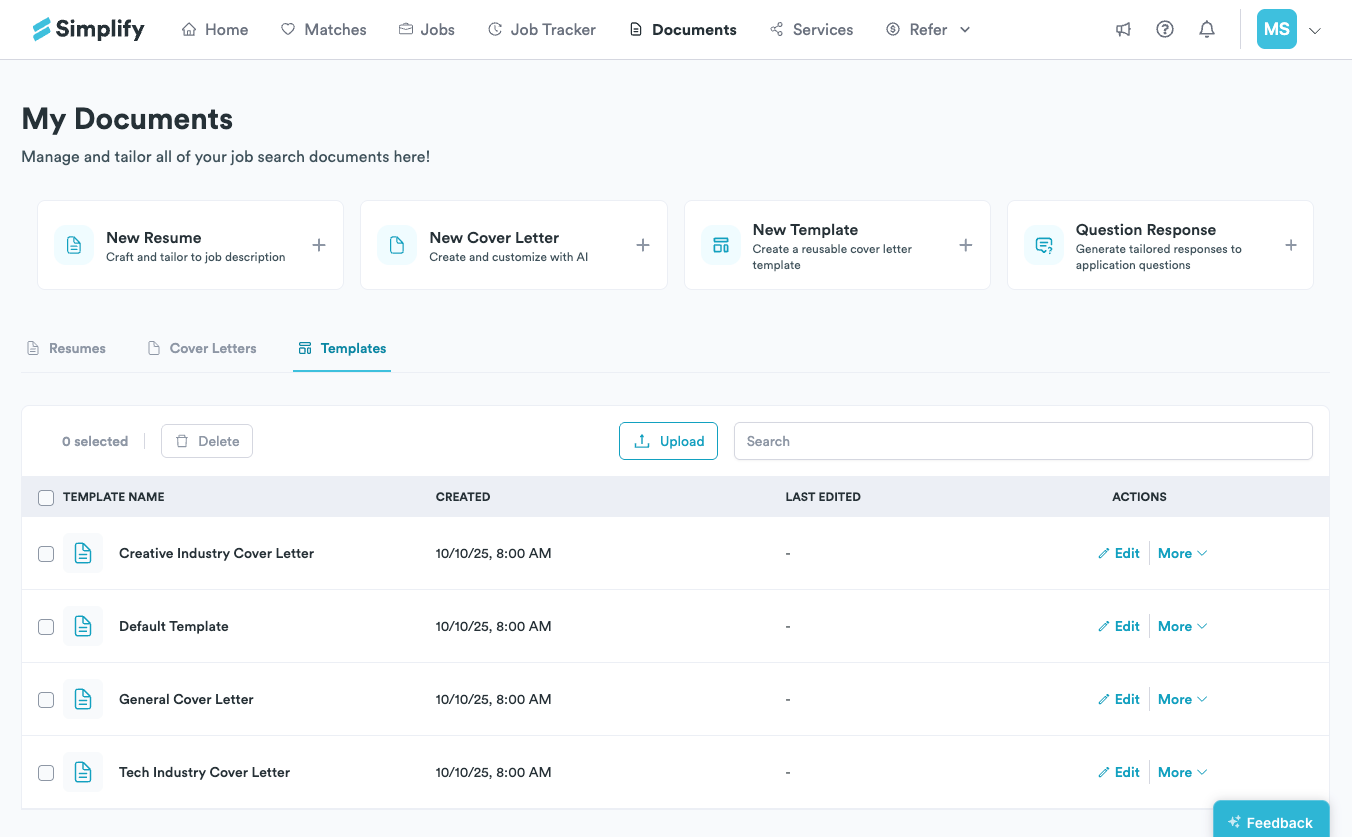
Built-in templates provide starting structures for different writing styles and kinds of roles. A technical letter might emphasize a project and tools, while another might focus on customer work or a portfolio. You can write and edit manually; Simplify+ adds AI generation for templates and job-specific letters.
Create a reusable template with Simplify+
Choose New Template in Documents and follow the creation prompts. Keep the reusable structure and instructions clear, then save a recognizable name. When you use it for a particular job, check that the resulting letter contains the right role, company, and experience.
We designed templates to save repeated setup and structure. Reuse should not carry an old company name or an unsupported achievement into the next application. Keep a base template separate from the final letters you have prepared for individual jobs.
Generate and review a tailored letter
In the cover letter editor, choose the template, add the target job details, and use the AI generation action with Simplify+. The draft can use your profile and resume alongside the job description. Edit it before exporting or using it in Copilot.
Use Documents → Cover Letters to find completed letters. Use Templates when you want the reusable starting content. Editing a saved letter does not update anything already submitted to an employer.
Related articles
Was this helpful?
Still need help? Share an idea