Saving/Bookmarking a Job
💡 In a rush but want to save a job for later? Just bookmark it!
Last updated 4 months ago
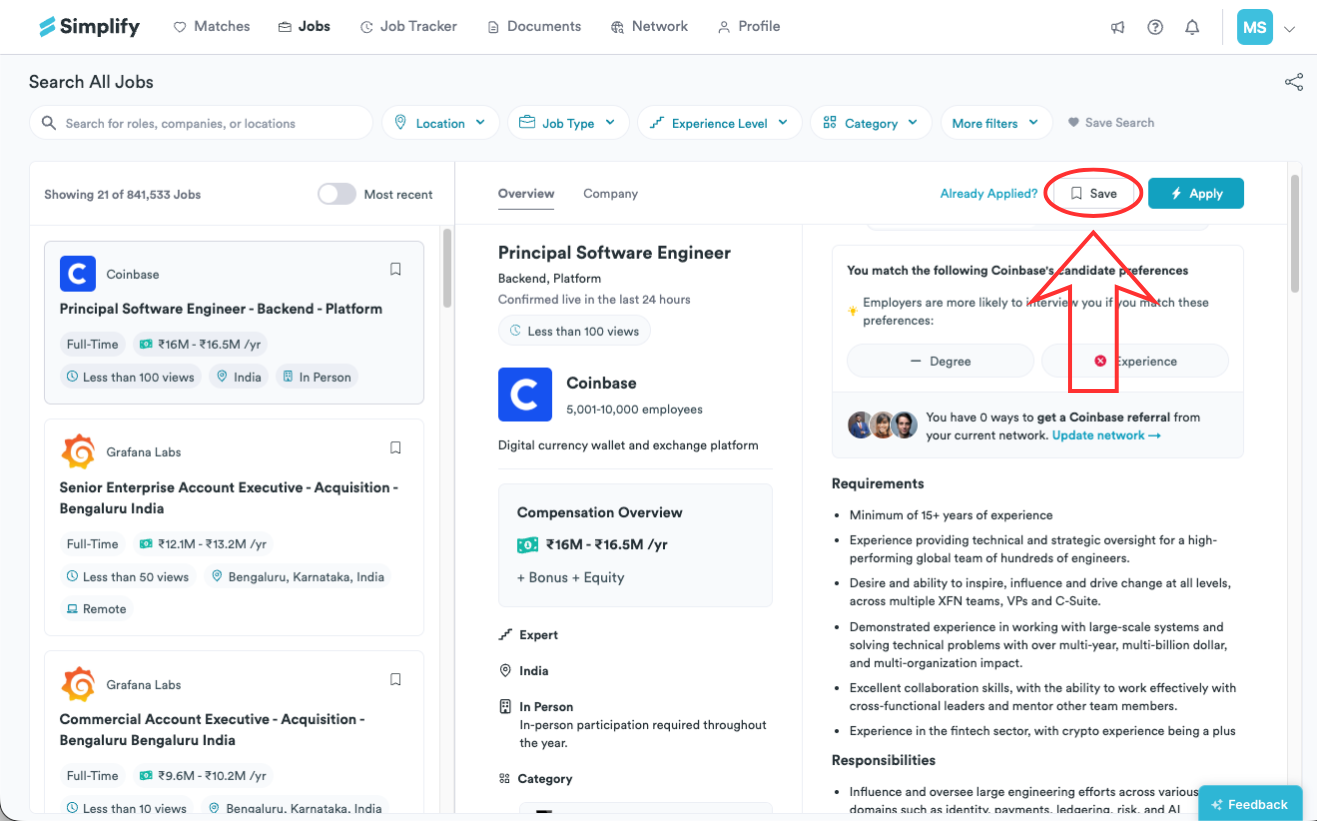
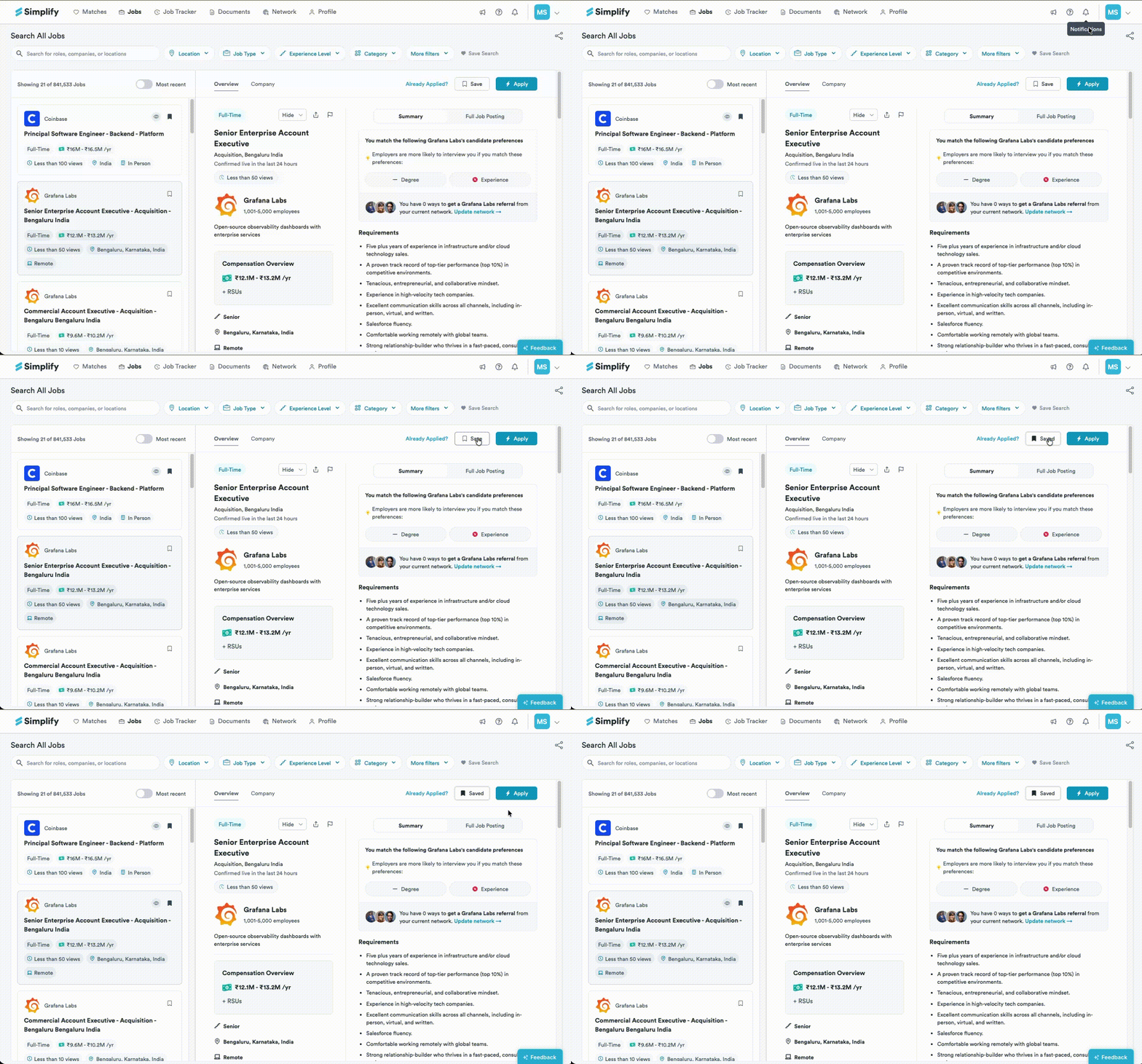
In the top right of the listing window, click Save. The button will fill and change to Saved when the job is saved.
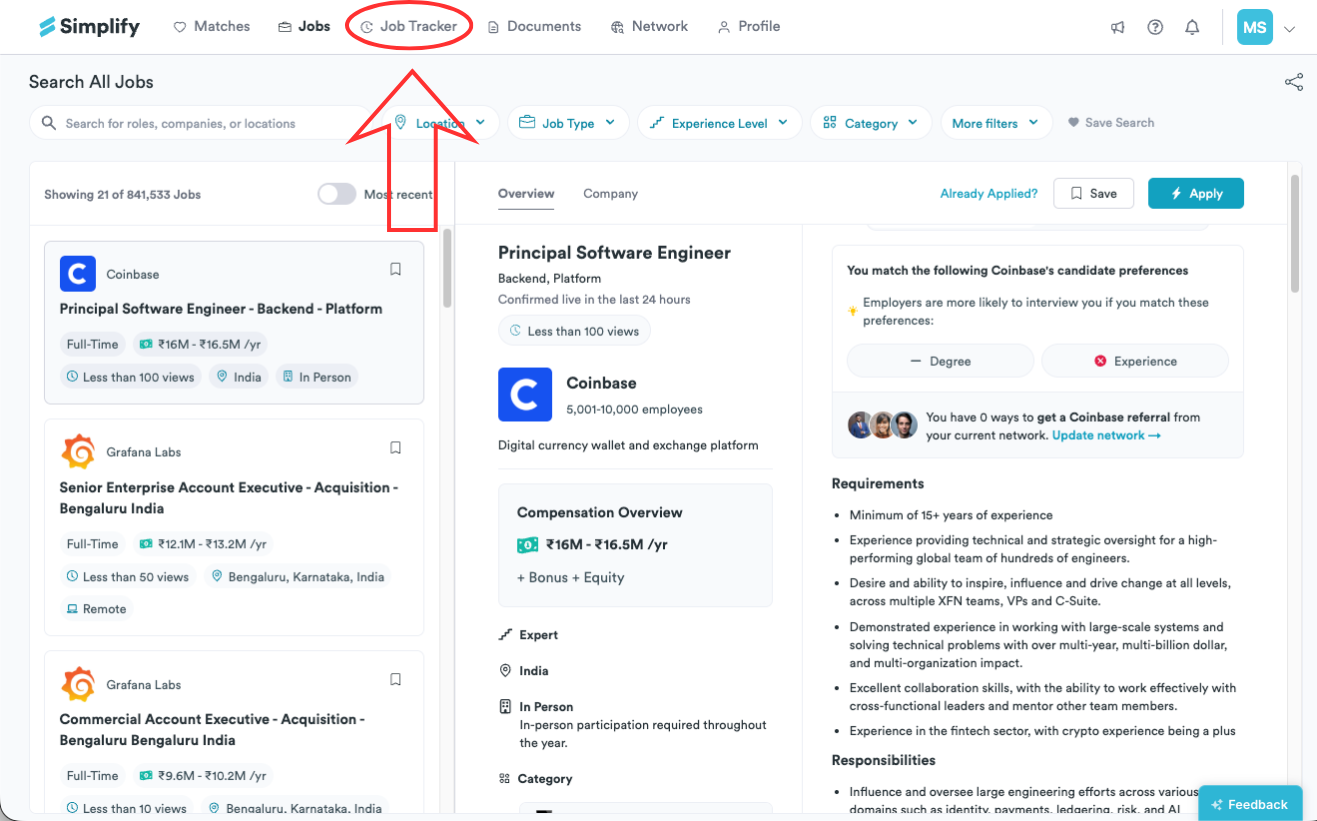
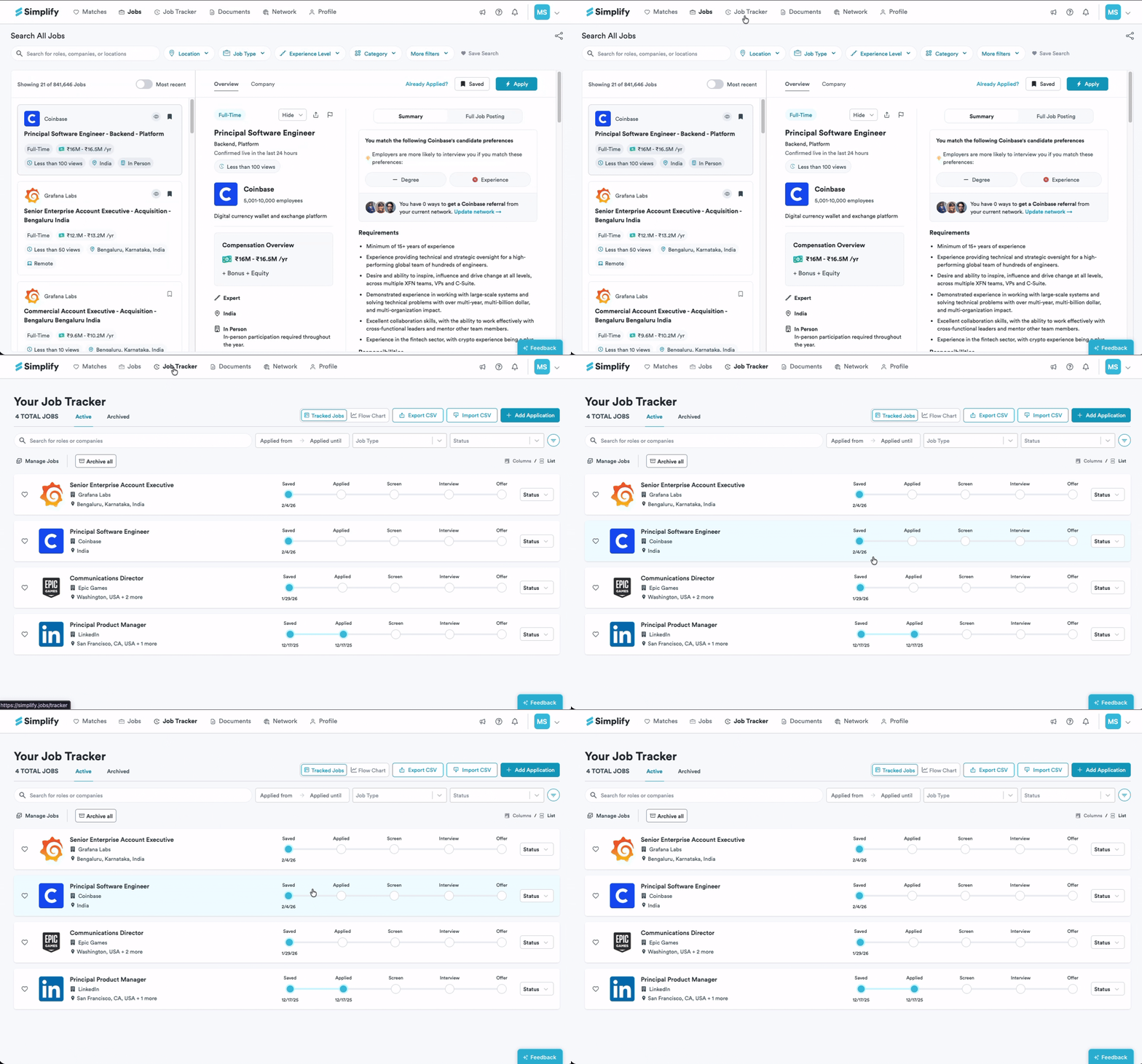
To view saved jobs later, click the Job Tracker in the navigation bar. You’ll see your saved jobs on that page along with other listings you are tracking.
Still need help? Share an idea