Installing and Setting up Copilot
Copilot is an AI-powered browser extension built to autofill job applications across most major sites and ATS platforms.
Last updated About 1 month ago
Overview
Copilot is our AI-powered browser extension that uses your Simplify profile to make applying to jobs smoother and less repetitive.
Most applications ask for the same information over and over: your work experience, education, skills, contact details, links, and resume. We built Copilot for exactly those repetitive parts, so you don't have to keep re-entering the same information across every job site and ATS.
Instead of treating each application like a fresh start, Copilot carries your profile context across applications, so the work you do once in Simplify keeps working for you throughout your search.
💡 Good to know: Copilot helps with the repetitive parts of an application, but you stay in control. You always review everything before submitting it yourself.
Install Copilot
Copilot is available for Google Chrome, Firefox, and other Chromium-based browsers, including Edge, Brave, and Arc.
To install Copilot:
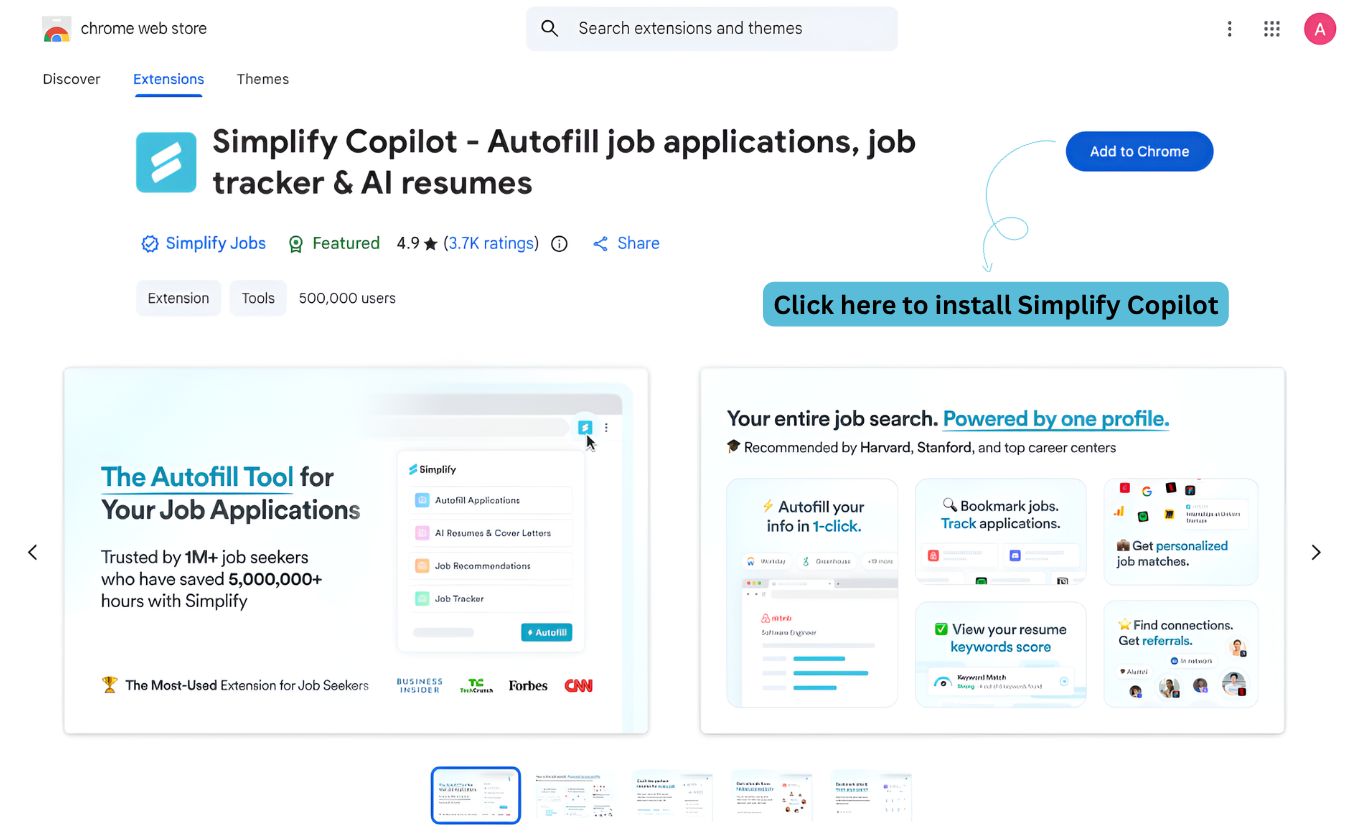
Open the Chrome Web Store (or the Firefox Add-ons page if you use Firefox)
Search for Simplify Copilot
Select Add to Chrome
Pin the extension to your browser toolbar
Copilot on Firefox is in beta
As stated on our Firefox Add-ons listing, Copilot on Firefox is in beta and is released on a best-effort basis. It is not covered by any SLA or warranty. We recommend the Chrome or Safari extension instead.Firefox also limits what extensions are allowed to do on a page, which restricts what Copilot can do there compared with Chrome or a Chromium-based browser.You can still report anything you run into on Firefox through our support page, and we will help where we can.
After you create a Simplify account, you may also see a prompt during onboarding to install Copilot.
How Copilot syncs with your Simplify profile
Once Copilot is installed, sign in with your Simplify account.
Copilot uses your Simplify profile as the source for autofill information. That includes details like:
Work experience
Education
Skills
Contact information
Uploaded resumes
Links and profile details
When we built Simplify, we wanted one profile to power the entire job search instead of making you repeat the same setup across different tools. Your profile gives Copilot the context it needs to help across applications without asking you to start from scratch each time.
You can update or edit your profile anytime, and Copilot always uses the latest version of your information when filling out applications.
How Copilot works on applications
When you open a supported job application, Copilot detects the form automatically and starts matching fields using your Simplify profile.
Copilot works across many common applicant tracking systems and career sites, including platforms like:
Workday
Lever
Greenhouse
Ashby
iCIMS
Taleo
It can help fill repeated fields such as:
Name and contact details
Education history
Work experience
Skills
Resume uploads
Links and portfolio information
Copilot is designed to reduce repetitive typing while keeping you in control of the final submission. Before submitting an application, review the information Copilot added and make any edits you want.
How to test Copilot
The easiest way to test Copilot is to try applying to a job from your Job Matches or the job board inside Simplify.
Open a job listing
Start the application process
Watch for Copilot to detect the form and begin autofill suggestions
Review the completed fields before submitting
Was this helpful?
Still need help? Share an idea