Get started with the Simplify iOS app
Install the iPhone app, sign in, and find jobs, applications, profile settings, and Safari Copilot.
Last updated 9 days ago
Install the Simplify iOS app and sign in with your existing Simplify account, or create one. Use it to browse and save jobs, track applications, and manage your profile. Simplify+ members can use Autopilot; enable Copilot in Safari for applications you want to review and submit yourself.
Install and sign in
Download Simplify: AI Job Search from the App Store and sign in with the account you use on the web. Check the App Store listing for the current device and iOS requirements. Using the same account keeps saved jobs, applications, and profile information together.
We built the app for the gaps in a day when you have time to look at a few roles from your phone. You can review recommendations, save something to return to, or choose how to apply without starting a separate job list.
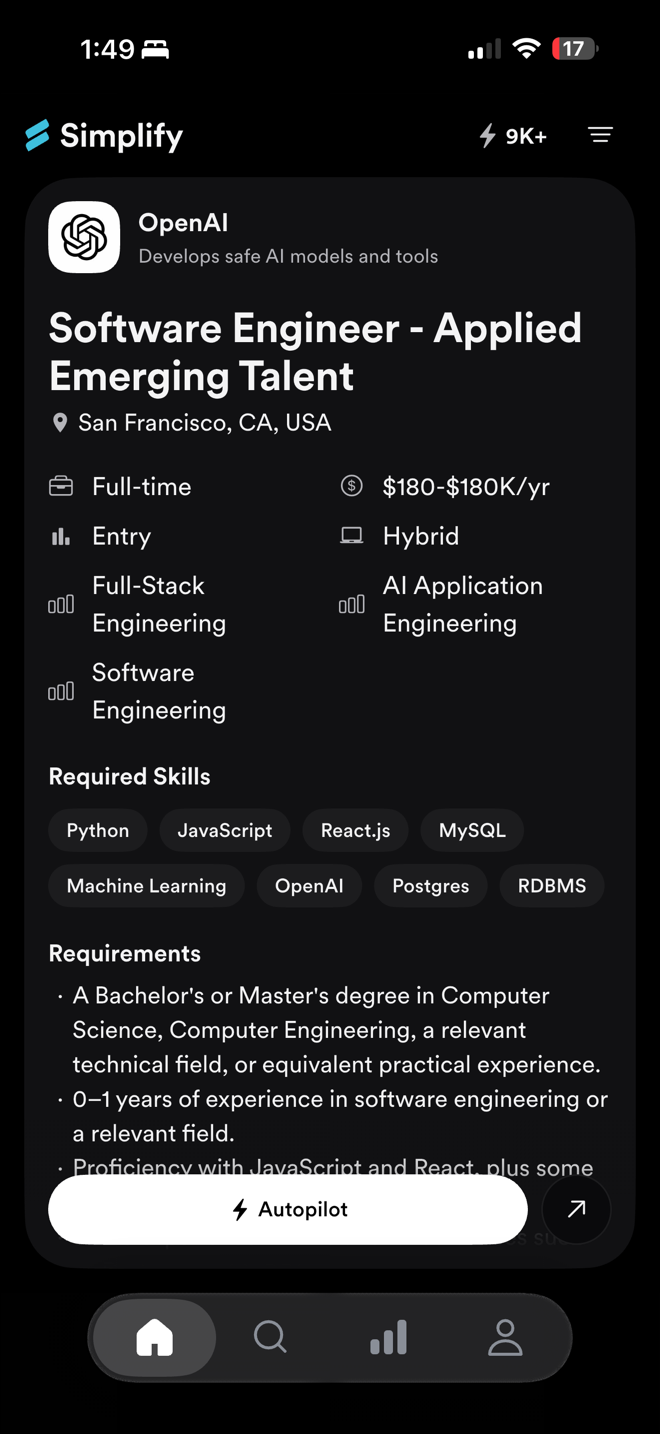
Find your way around
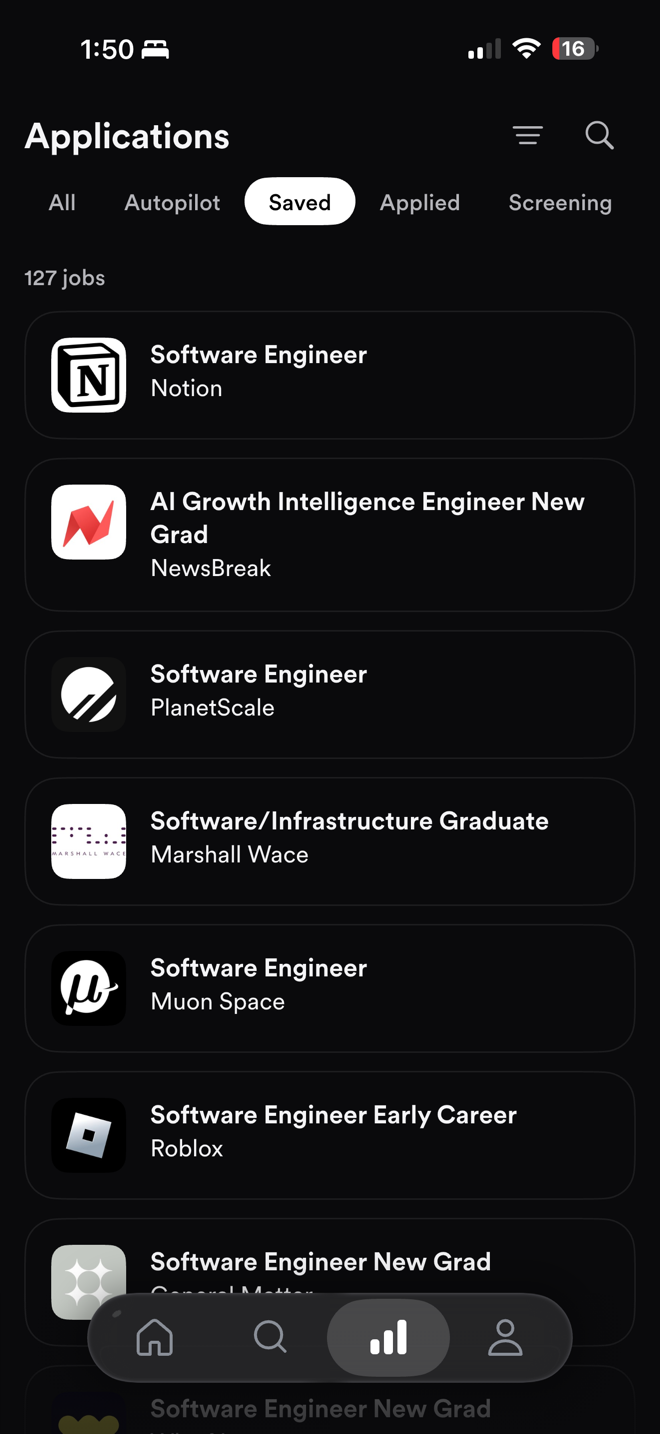
The Applications tab is your tracker on the phone. Saving a job adds it for later; it does not apply to the employer. Check the application status when you return to a job.
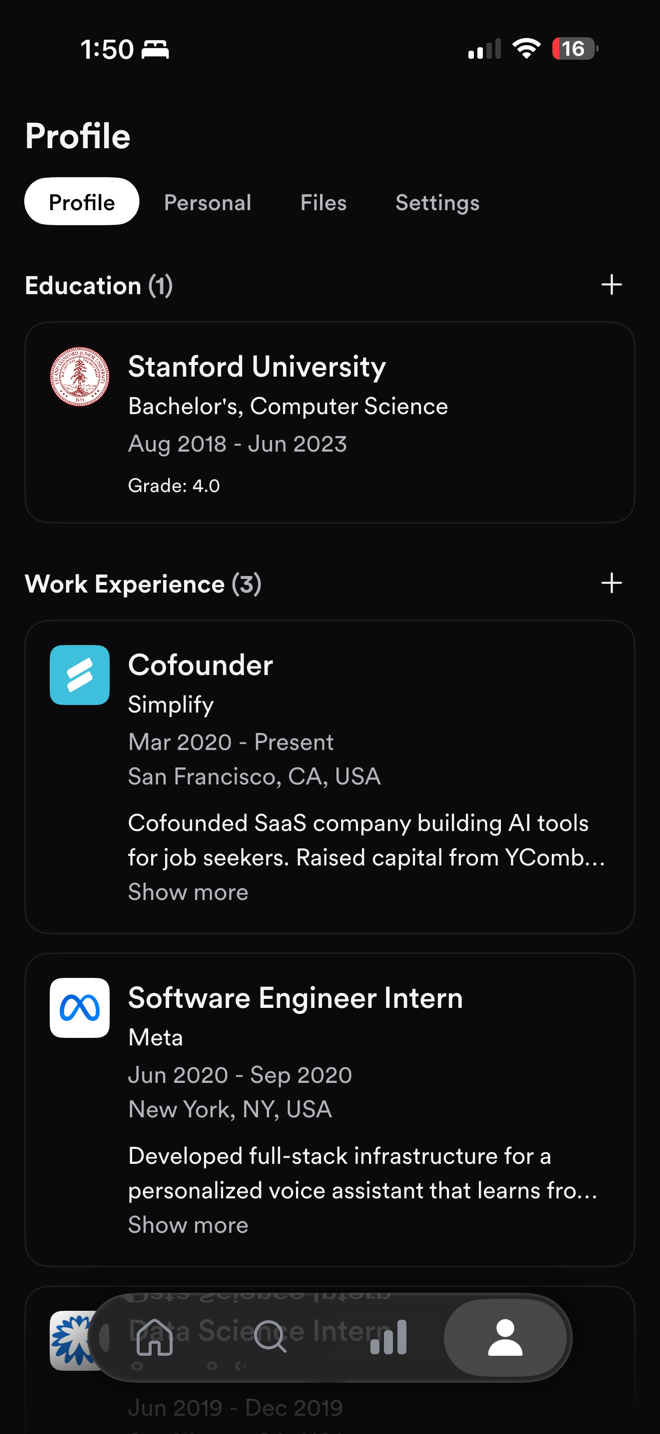
Profile uses the information saved on your Simplify account. If a field is wrong, edit and save it before applying again. Updating Profile does not change an application already submitted to an employer.
Choose how to apply
Apply opens the employer’s application in Safari. Enable Copilot’s Safari extension to autofill supported fields, review the application, and submit it yourself.
With Simplify+, Autopilot is offered on supported jobs. It completes and submits the application without a review step. To review manually instead, use the outward-arrow button ↗ beside Autopilot to open the application in Safari with Copilot.
Autopilot uses your default resume or generates a tailored version according to Profile → Settings → Autopilot. Check those settings before starting. Your credit balance appears on Home; a successful submission uses one credit.
Settings, notifications, and support
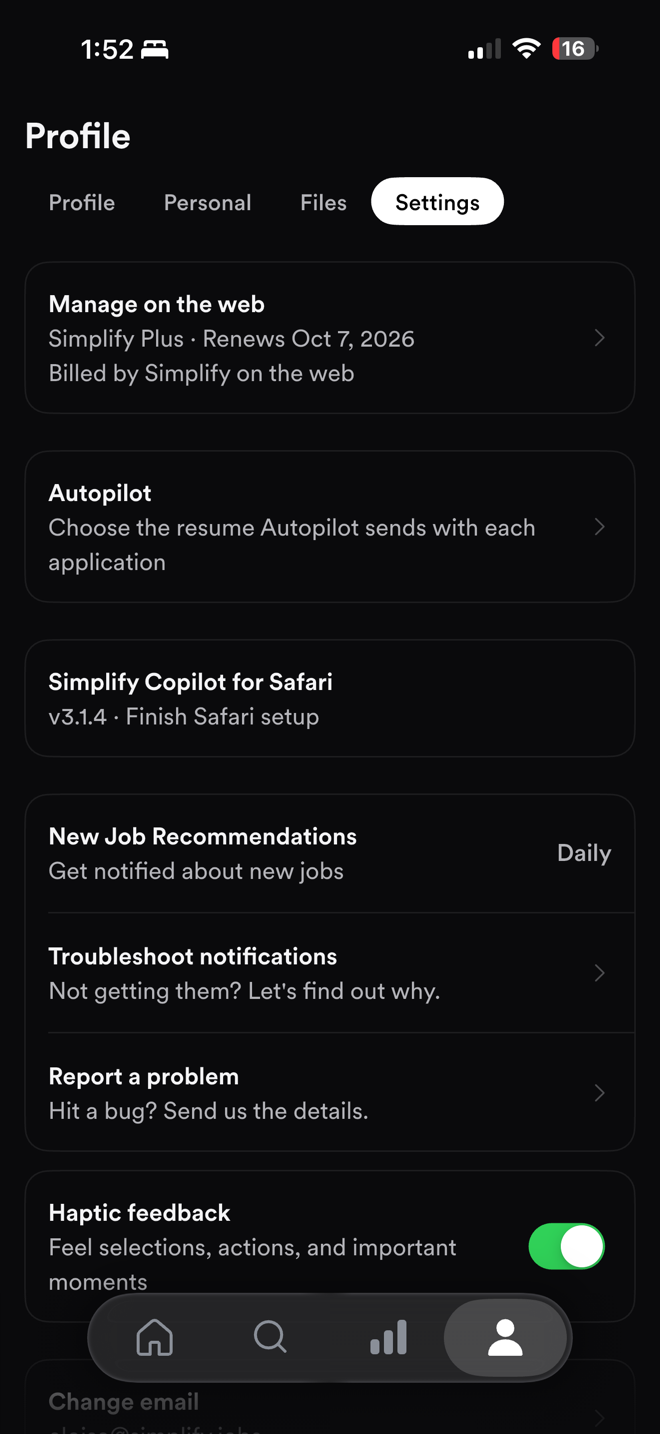
Open Profile → Settings to find your plan, Autopilot settings, Safari Copilot setup, and notification preferences. New Job Recommendations controls notification frequency. Use Troubleshoot notifications if those alerts stop arriving.
Use Report a problem to send an app issue with the app version. Include the affected job and what happened so we can investigate.
Billing and features on the web
A Simplify+ subscription works with the same account in the app and on the web. If you purchase through Apple, manage renewal and refunds through Apple. If you purchase on the web, the app points you to web billing management.
Use the web Resume Builder and cover letter editor when you want to edit documents directly. Autopilot can generate a tailored resume from the phone according to your saved settings, but it does not provide a review of that document before submission.
Related articles
Was this helpful?
Still need help? Share an idea