Autofill Not Supported?
💡 If the Autofill button is unavailable, the extension’s Profile tab provides a simple copy and paste view of your saved details so you can copy from your Simplify profile and paste into the application.
Last updated 4 months ago
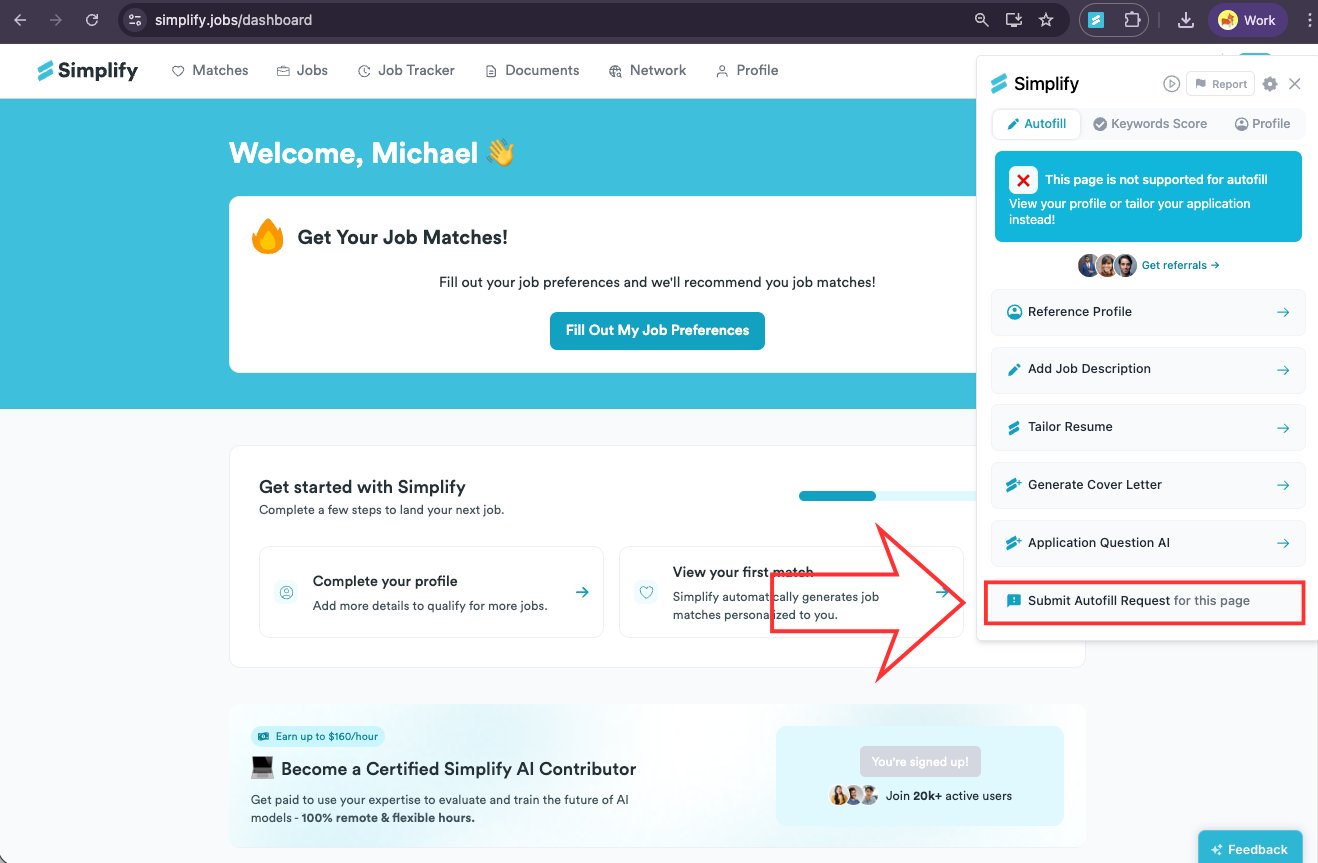
Request autofill support for the job application site by opening the extension and clicking Submit Autofill Request.
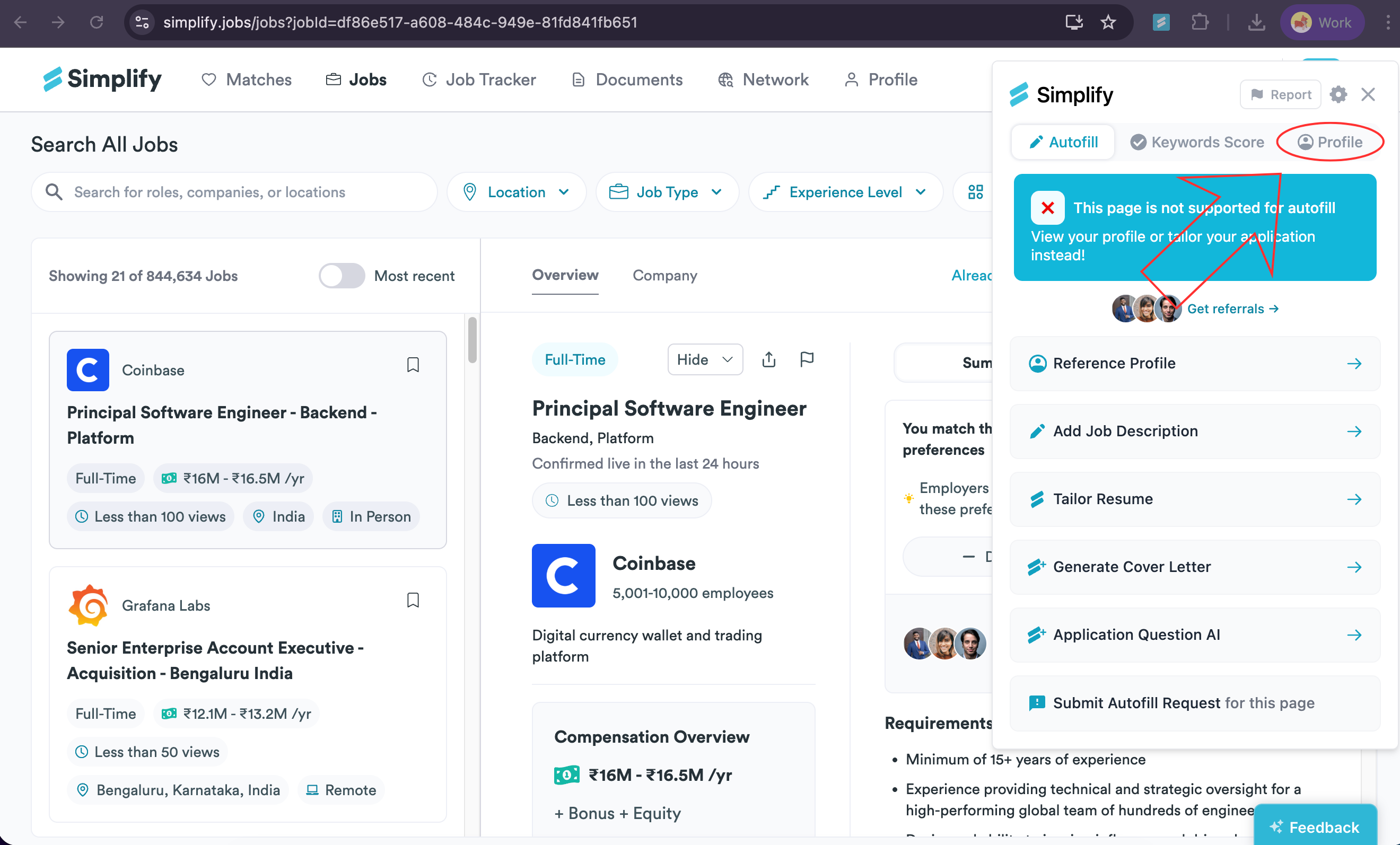
In the extension popup, click the 👤 Profile tab. (It’s located below the close button.)
From your profile information, click the details you want to copy, such as your name, job descriptions, and other relevant data. To auto-copy to your clipboard, just click the specific text, like the job title, company name, or job description.
Go back to the job application form and paste the information you copied from your profile into the appropriate fields on the application.
Repeat this process for any additional text fields on the application.
Still need help? Share an idea