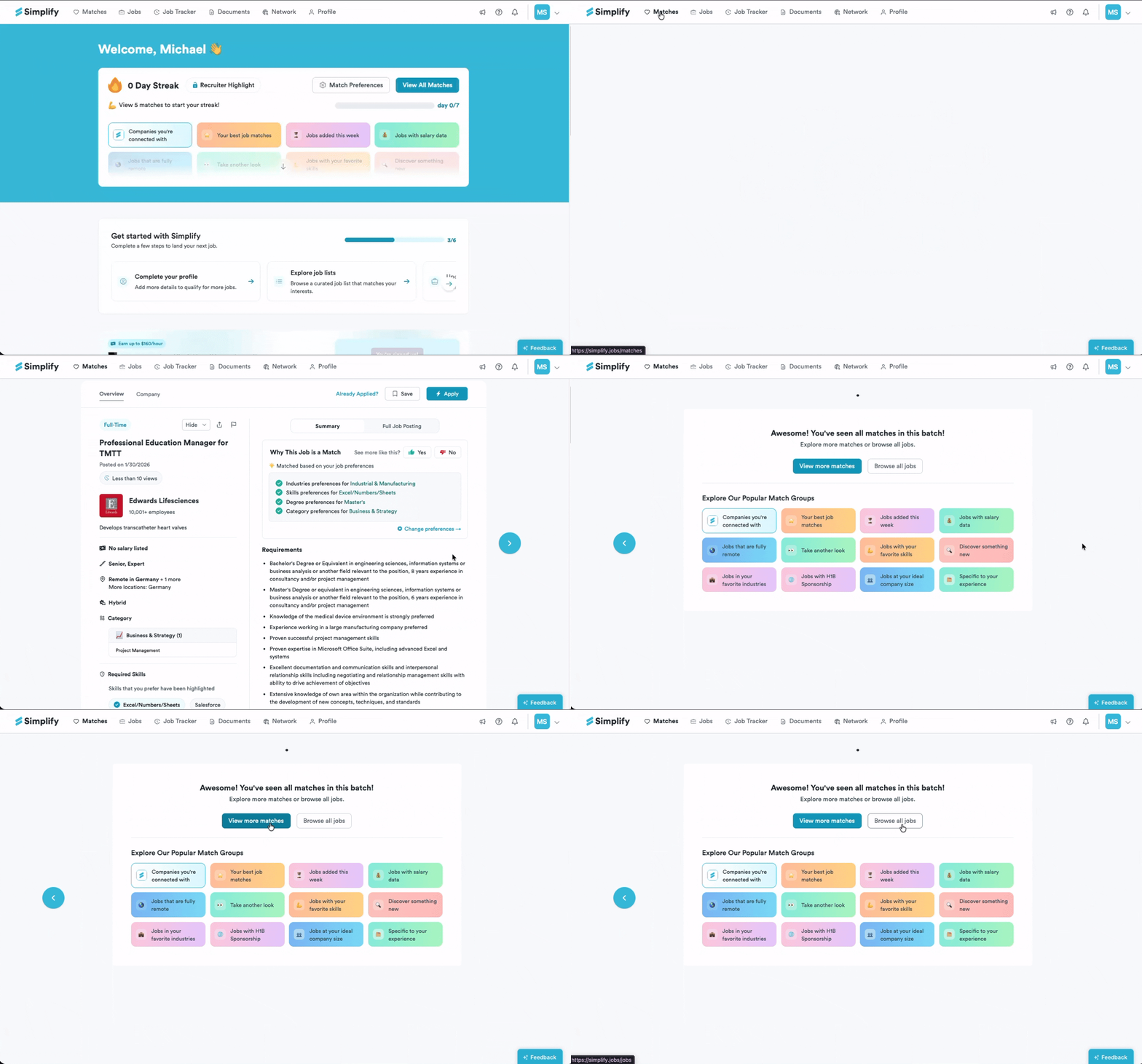
Viewing Job Matches
💡 Once you've completed the preference test, you'll receive job recommendations tailored to your preferences. These jobs can be accessed through either your dashboard or the matches section.
Last updated 4 months ago
Make sure you’ve completed the Job Preferences Quiz. Finishing the quiz activates Matches.
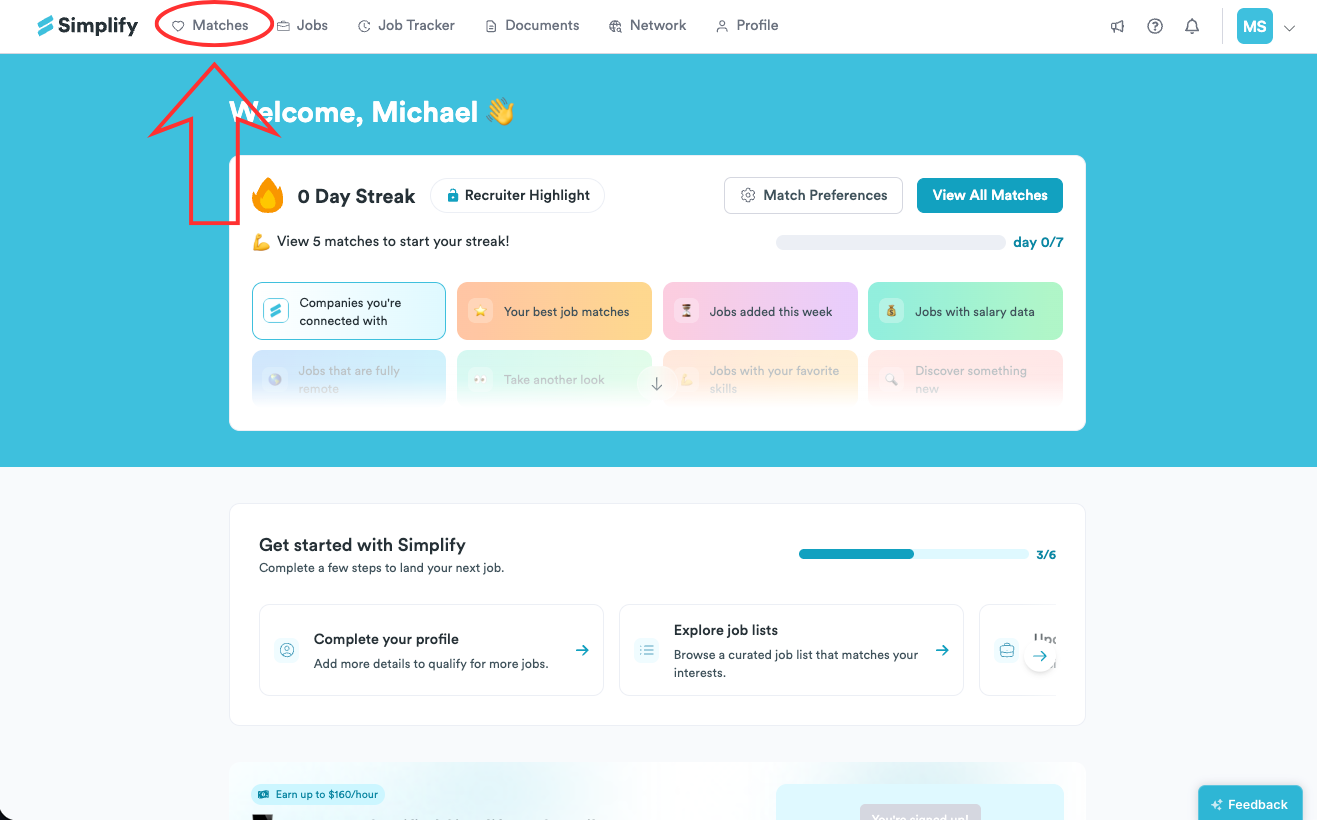
From the top navigation, open Matches to see your recommendations.
After reviewing the current set, you can Browse all jobs or load more. To see additional matches, click View more matches.