Taking Job Preferences Quiz
💡 When you first sign up for Simplify, you are prompted to take a Job Preferences Quiz. This quiz consists of a series of questions designed to gather information about your preferences, skills, and interests and is used to match you with job opportunities!
Last updated 4 months ago
First time setup
If you did not complete the quiz during onboarding, go to the Job Preferences Quiz.
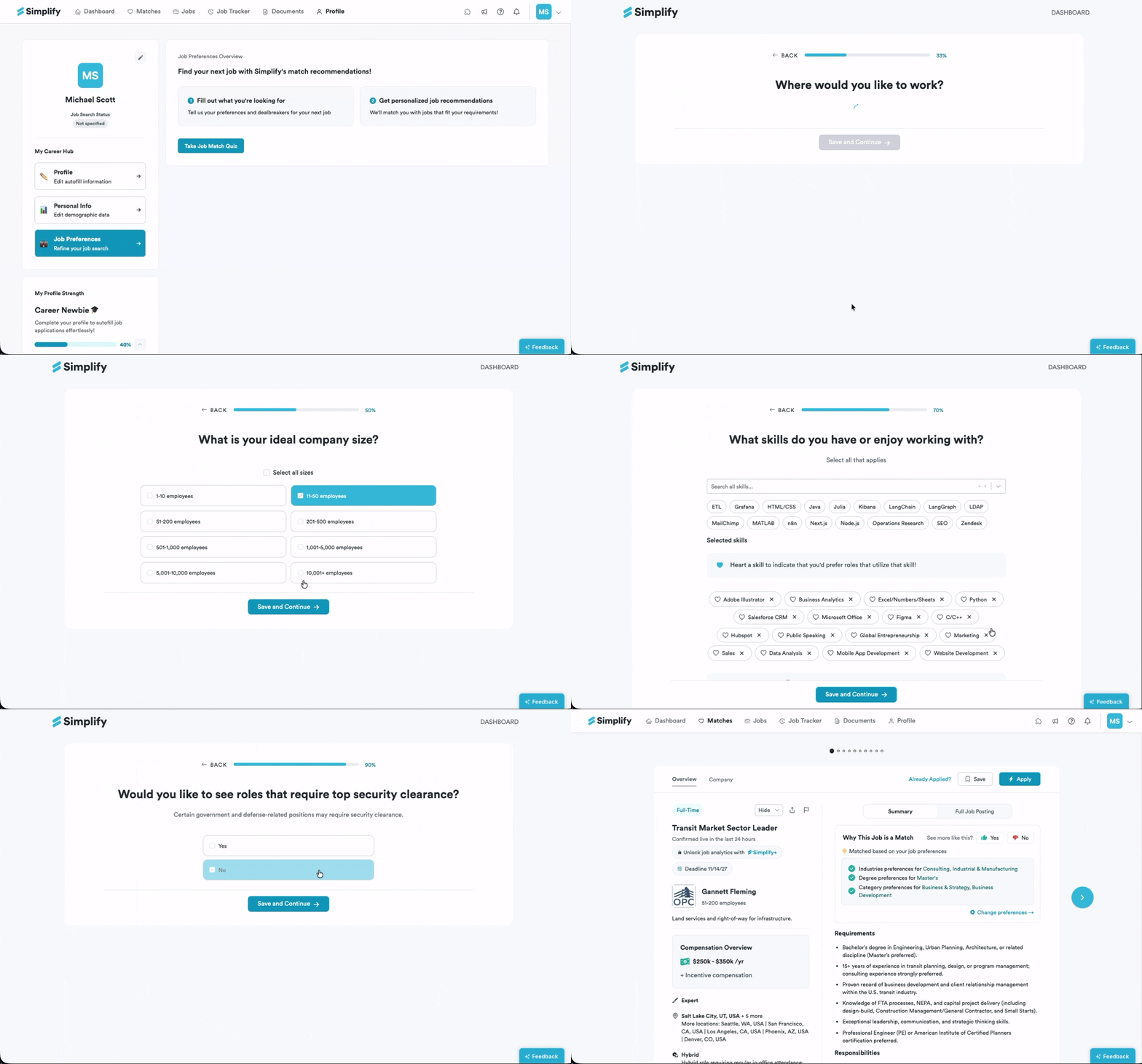
You can also open your Profile, find Job Preferences on the left, then click Take Job Match Quiz.
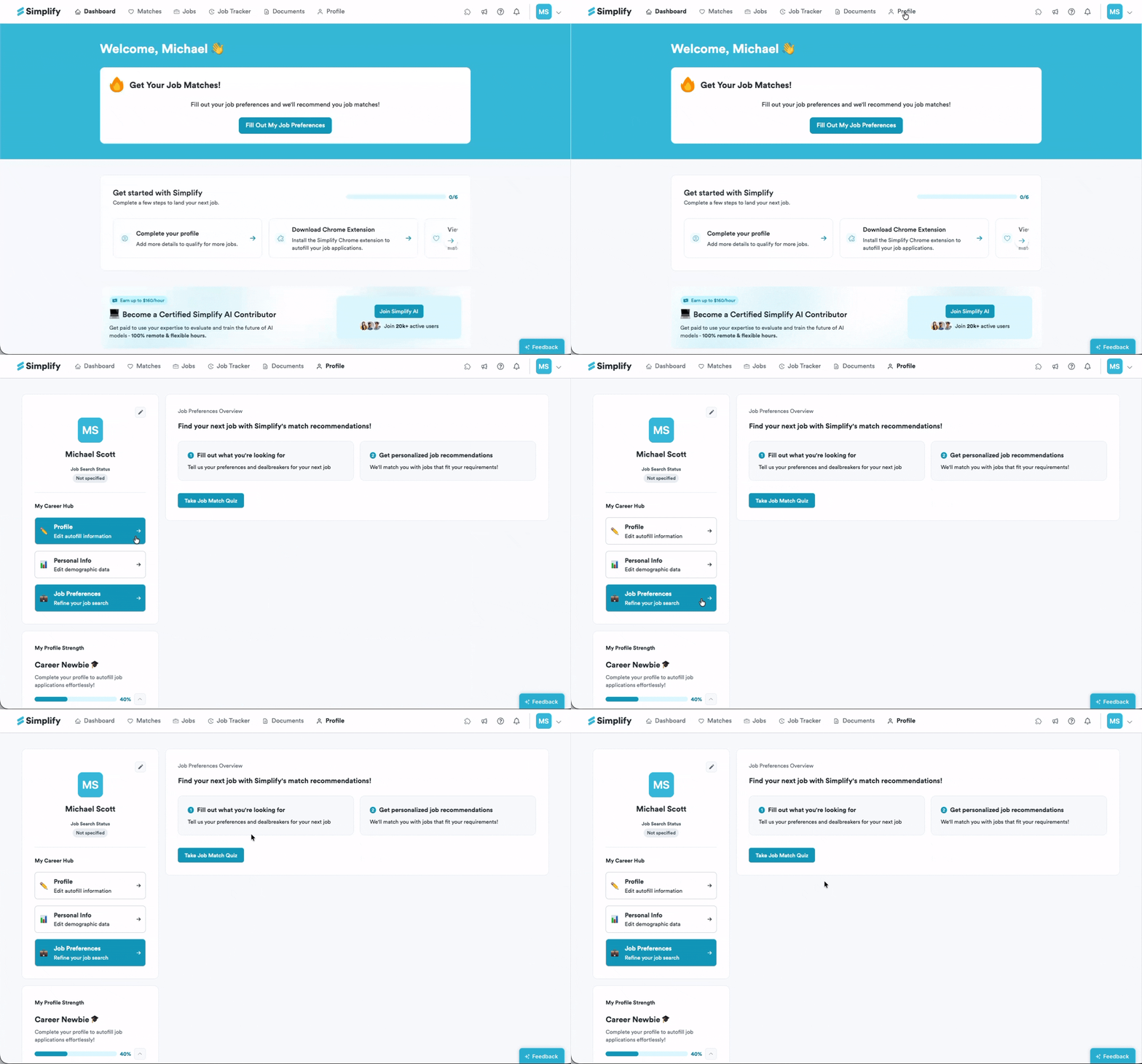
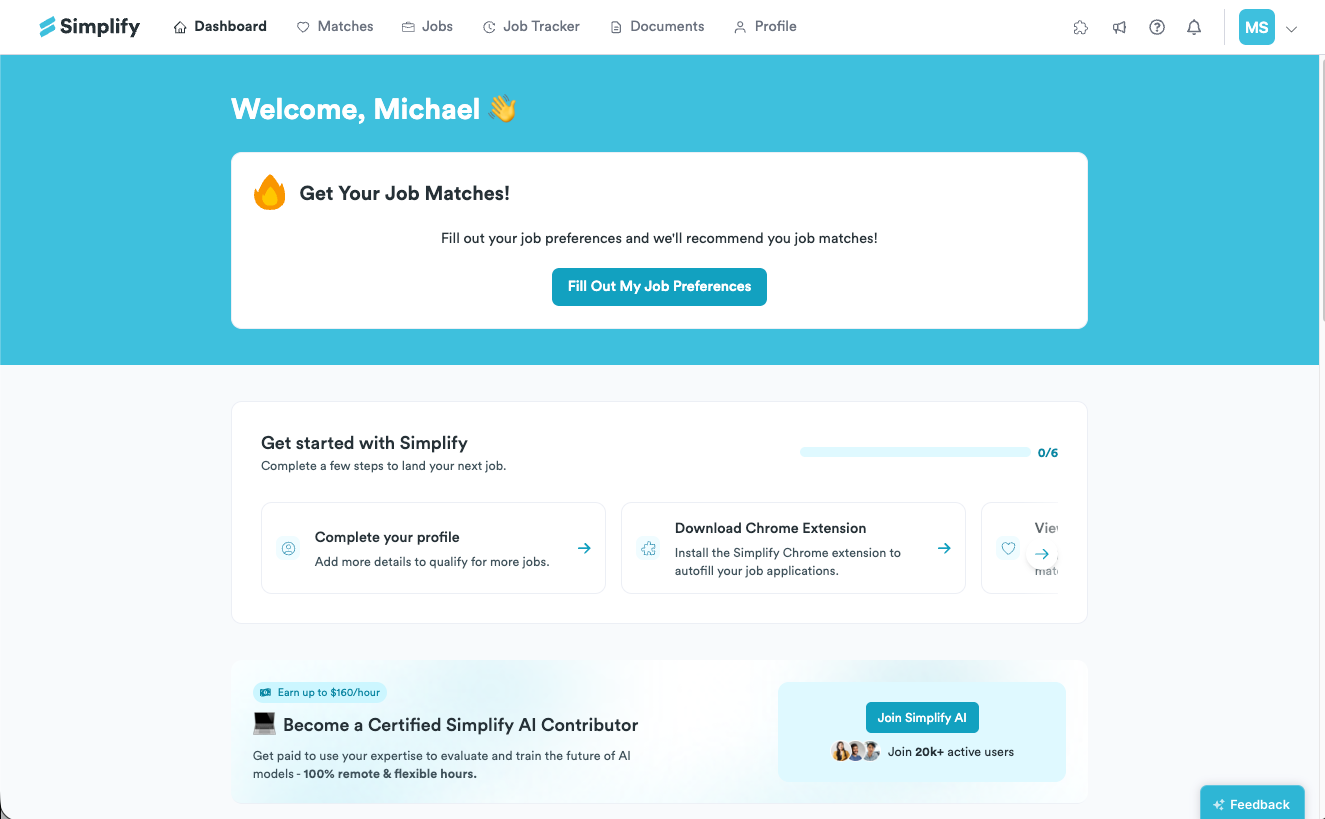
Or from your Dashboard, look for the banner at the top that says Get Your Job Matches! and click Fill Out My Job Preferences.
Answer all questions so your Matches are personalized and accurate.
Update your answers later
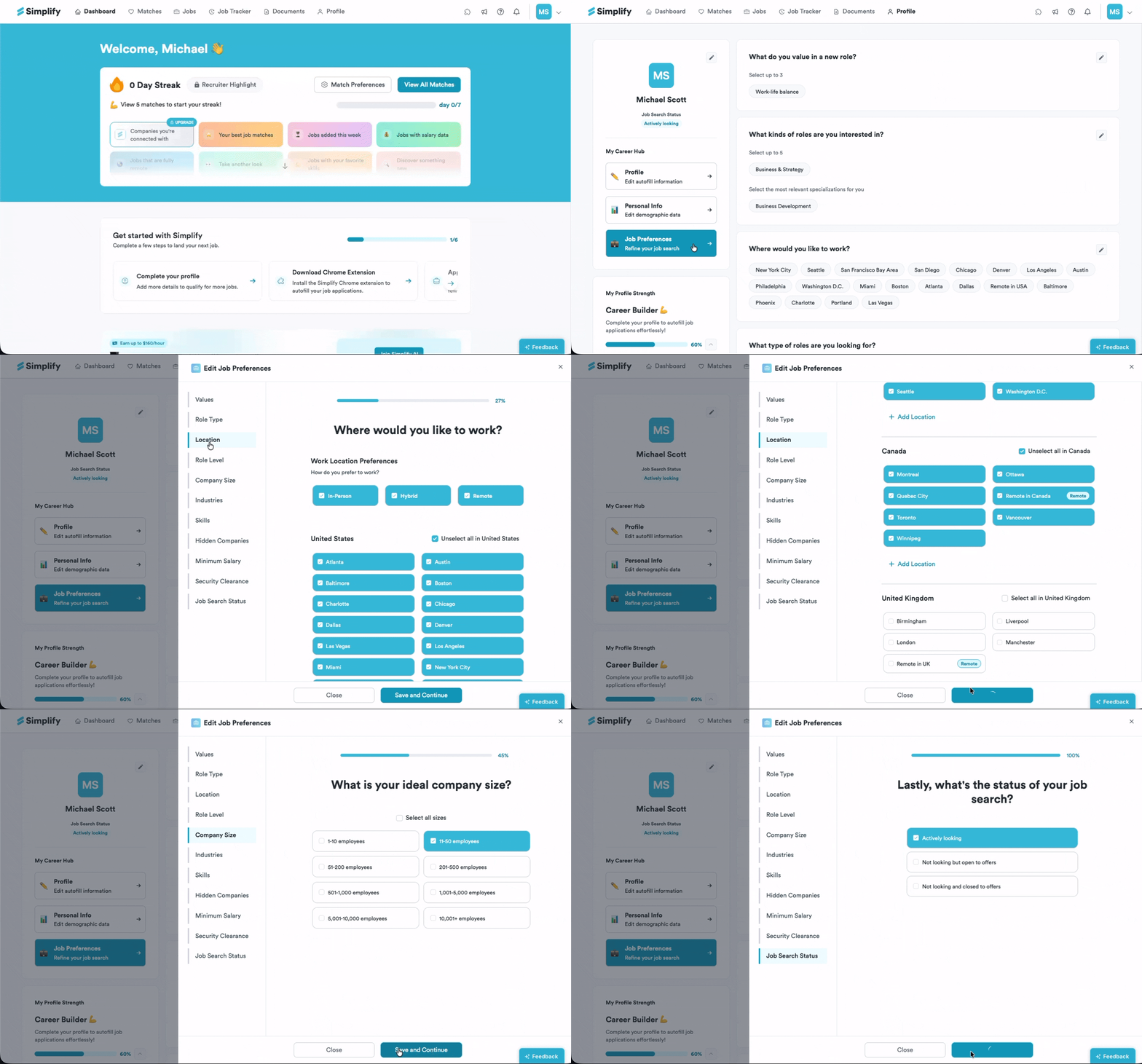
Open your Profile and go to Job Preferences.
Click the pencil icon next to any entry you want to change, then edit the fields.
Click Save & continue. Your Matches will refresh with listings tailored to your updated preferences.